Online Course – A Practical Introduction to NGS Data Analysis and Variant Calling
Quality Control, Read Mapping, Visualization and DNA Variant Analysis

Advance your research by learning how to understand NGS data and run essential first analyses yourself - in a live, interactive online format.

In a nutshell

  • Learn the essential computing skills for NGS bioinformatics
  • Understand NGS technologies, key algorithms and data formats (FASTQ, BAM, VCF)
  • Use proven open-source tools to handle and inspect sequencing data
  • Perform first downstream analyses for studying genetic variation (variant calling & filtering)

When?
January 26-28, 2026
9 am - 5 pm (CET UTC+1)

Where?
Online
52 votes

This online workshop provides a solid, practical introduction to Next-Generation Sequencing (NGS) with a clear focus on bioinformatics questions. We discuss the advantages and limitations of current sequencing technologies and what they mean for data quality, analysis strategies and interpretation.

You will work with a real-life Illumina dataset and learn how to:

  • understand your own NGS data,
  • identify potential problems and error sources, and
  • perform a first downstream analysis for DNA variant calling.

The course is designed for beginners in NGS bioinformatics and allows scientists with no or little background in computer science to get a first hands-on experience in this fast-evolving field.

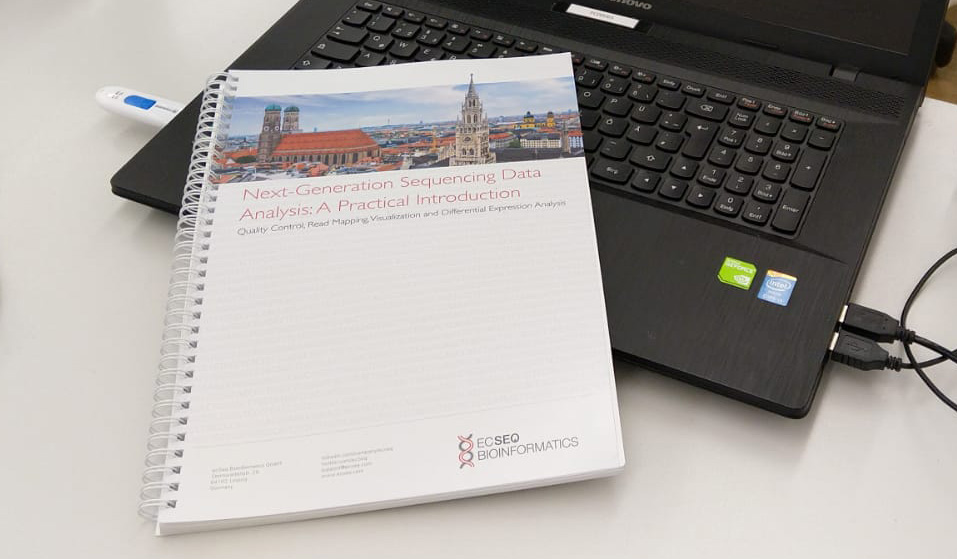
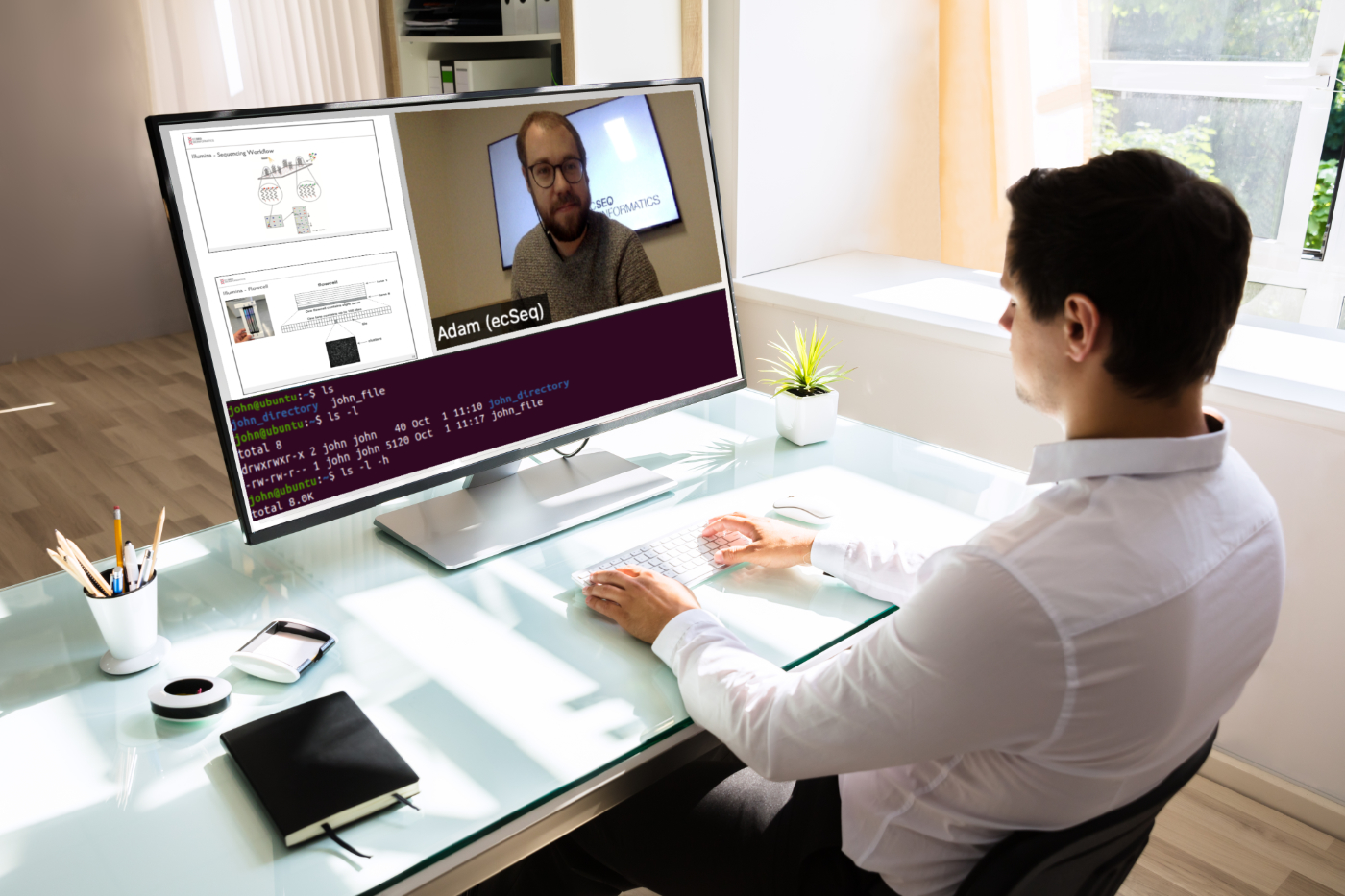
The online course uses a modern web conferencing system. All hands-on NGS analysis is done on a browser-based terminal connected to a high-performance cloud computer - no local installation required. Before the course, you will receive a printed manuscript by mail.

Get trained by experts

Our trainers have a proven record of academic and/or industrial experience in NGS data analysis. This ensures that your questions are answered with up-to-date, real-world expertise.

Open source NGS tools

We focus on open-source tools that are free to use. Where relevant, we showcase and compare different tools (e.g. NGS mappers), because not every software fits every task or biological question.

Learn effectively with well-curated materials

For an optimal learning experience, we carefully prepare our learning materials and example datasets. You can take home all materials, tools and results to repeat and extend the analyses after the workshop.

This workshop is tailored to the needs of beginners in NGS bioinformatics and consists of three course modules:

  1. NGS Technologies:
    Different NGS methods are explained and compared, together with their consequences for data analysis. You will learn the most important notations and get an overview of common applications.
  2. Practical Bioinformatics (with Linux):
    This module introduces the essential Linux command-line tools and file formats required for NGS data analysis. It helps you overcome the first hurdles when entering this (for NGS analyses) unavoidable operating system.
  3. Introduction to NGS data analysis:
    Important first NGS analysis tasks are explained and performed. This module covers core knowledge needed to analyze data from different NGS applications, including DNA variant calling.

Detailed Course Program


NGS Technologies

  • Introduction to sequencing technologies from a data analyst’s view
  • Common NGS data analysis issues and error sources
  • Applications of sequencing technologies
  • Notations and NGS terminology

Practical Bioinformatics (with Linux)

  • Introduction to the command line and essential commands
  • Combining commands using piping and redirection
  • Introduction to bioinformatics file formats (e.g. FASTA, BED) and databases (e.g. UCSC)
  • Working with important bioinformatics toolkits (e.g. samtools)

Introduction to NGS data analysis

  • Raw sequence files (FASTQ format)
  • Preprocessing of raw reads: quality control (FastQC), adapter clipping, quality trimming
  • Fundamentals of read mapping (alignment methods, mapping heuristics)
  • Read mapping with common tools (BWA-MEM, Bowtie2, STAR, segemehl)
  • Mapping output (SAM/BAM format) and basic usage of samtools
  • Mapping statistics and interpretation
  • Visualization of mapped reads (UCSC / genome browser)
  • DNA variant calling
  • Variant Call Format (VCF)
  • Filtering and interpreting DNA variants

Speakers

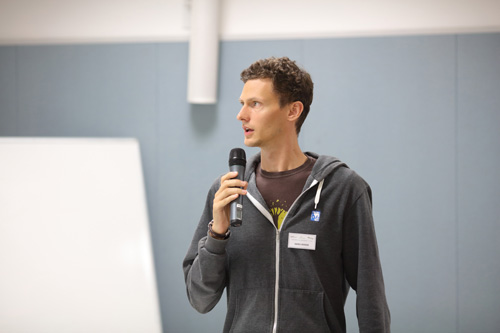
Dr. David Langenberger
David has used NGS technologies since 2006 in multiple large-scale projects (including ICGC) and focuses on practical, reproducible analysis workflows and interpretation. Publications

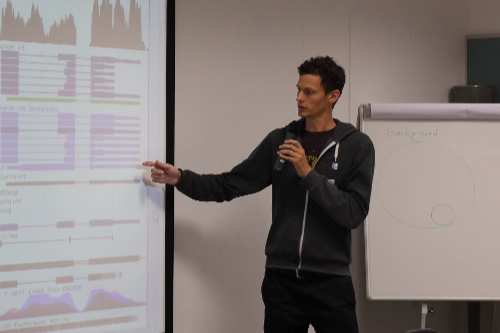
Dr. Mario Fasold
Mario has worked in bioinformatics since 2007 and has specialized in NGS data analysis since 2011, supporting several large consortium sequencing projects. Publications

Requirements

The target audience is biologists or data analysts with no or little experience in analyzing NGS data. A fundamental understanding of molecular biology (DNA, RNA, gene expression, PCR, …) is assumed.

Previous knowledge of Linux or bioinformatics is not required. However, these tutorials can be a helpful preparation:

For the online format you will need:

  • A desktop computer or laptop with an up-to-date web browser (Firefox or Chrome recommended)
  • A microphone and speakers/headphones for audio

No software installation is necessary; all analyses are done via a browser-based terminal on a cloud computer.

  •   Printed course materials (sent to you before the workshop)/li>
  •   Access to a high-performance cloud computer (via browser) for all hands-on exercises
  •   Downloadable Live-Linux system with pre-installed NGS tools for seamless continuation / repetition after the course
  •   Certificate of participation

  •   Hands-on use of essential NGS tools so you can see where the real stumbling blocks are
  •   Assistants are present in the virtual room to help you and provide feedback on the spot
  •   No local software installation necessary – everything runs on a cloud computer you access in your browser
  •   You can continue practicing on your own using our Live-Linux system and the printed manuscript


Attendance

Location: Online (live, interactive)
Language: English
Available Seats: 25 (first-come, first-served)

Registration Fee: 879 EUR (excluding VAT)

Key dates

Opening Date of Registration: December 16, 2025
Closing Date of Registration: January 23, 2026
Workshop: January 26-28, 2026 from 9 am to 5 pm (CET UTC+1)

Find out what time it is at your location: Time Difference

"The handout, as well as the setting (terminal login and zoom) was absolute in time and accurate. The frame of the workshop equips one with enough information to get started for the first NGS data set analysis. The four trainers were super friendly, open to help and most competent. The course is highly recommended." André Riedl, Bavarian Nordic, Germany

"I was blown away by the Course. I did some similar courses in the past and got little or nothing from them. This workshop gave me the ability to understand what is actually written in the command line, how to read it and the data and how to do the simple analysis myself. I am not terrified of the command line anymore. Actually, I can't get enough of it now. Also, I tried to reproduce the whole pipeline on my own data and actually got it all done using the knowledge and the resources from the workshop. All I need now is experince in reading the analysis :-D" Sanja Duvnjak, Croatian Veterinary Institute, Croatia

"The course is very well structured and focuses all the main topics on NGS data analyses, with the appropriate detail for beginners. The tutors are excellent and very friendly and mentioned a lot of details, which only experienced users know. I have learnt a lot! " Alexandra Rosa, University of Madeira, Portugal


When you register for this workshop you are agreeing with our Workshop Terms and Conditions. Please read them before you register.


Answer

What you need:

  • A computer with one of the following operation systems: Windows 7 or later (incl. Windows 10), Mac OS X 10.13 or later.
  • One of the following web browsers: Edge 42 and later, Chrome 65 or Later, Firefox 48 or Later.
  • A microphone and loudspeakers/headphones.

  The course cannot be run on phones, tablets and similar handheld devices.

Answer

We will start every morning at 9am sharp and work together until 5pm in the afternoon. There will be regular short breaks and a longer break at lunchtime.

As this is a live broadcast, you cannot pause the course and continue later. The individual exercises build on each other, so you should not leave in between.

Answer

No, you do not have to install any software to follow the course. You will get access to a high performance computer in the cloud, which you can easily log into using an in-browser console. All necessary programs are already installed on this computer. This way, we can start right away.

Answer

Of course we'll help you. If such a case should occur, we have assistants in the virtual room whom you can contact via chat. They can discuss your issue in a separate room/chat. They can also dial into your in-browser console and see exactly the same as what you see. This way they can help you directly and without much detour.

Note: The assistent can only see your in-browser terminal window but nothing else and also do not have any access to your computer.

Answer

A few days before the course we will send you the manuscript by mail. After the course, you will receive a download link for our Live-Linux system with pre-installed NGS tools. When you start this with a virtualization tool (such as the free VirtualBox), a live version of Linux will be running on your computer where you can repeat and/or practice all the tasks of the course.

Answer

We have tried to keep the differences between the online and the attendance courses as small as possible.

Before the event: If you like to travel and get to know new cities, you will miss that in an online course. But, with an online workshop, you will obviously have to organise and plan much less. Travel and accommodation are not necessary. Likewise, you will not have any lost days of arrival and departure.

During the event: The possibilities for networking (e.g. during the conference dinner) are unfortunately very limited. But of course we will try to answer your questions online as well. There will be a Q&A moderator to whom you can write your question anytime. The moderator will then decide if your question should be answered directly or in a Q&A session at the end of each chapter.

Any Questions? Please feel free to contact our events team.

ecSeq Bioinformatics GmbH
Sternwartenstr. 29
D-04103 Leipzig
Germany
Email: events@ecSeq.com